Image Analysis

Pick an image. PaGAF-Net examines colour, edge, frequency, noise and local correlation signals together, then presents the model's decision with explanation layers.Pick an image; PaGAF-Net shows its decision with explanation maps from five feature domains.

  1. Choose image
  2. Analysis
  3. Explanation maps
Multi-domain explainable analysis
NEW ANALYSIS

Choose the image to analyse

File types
PNG · JPEG · WebP · HEIC
Maximum size
30 MB
Feature domains
5 complementary representations
Drag and drop your image here
or
PNG · JPEG · WebP · HEIC · up to 30 MBPNG · JPEG · WebP · HEICUp to 30 MB
For the most accurate result, upload the uncompressed, original photo.
Why the original image?Use the original photo

For the most accurate result, upload the uncompressed, original photo. Screenshots and images from messaging apps are re-compressed, so they do not give reliable results — compression erases the camera sensor trace the model looks for.

Building the graph at patch level

The image is split into 16×16 patches and every patch becomes a node — 256 nodes in total. The square below is the real grid itself: the edges leaving the selected patch are computed with the model's own rules, and the semantic edges are derived from that image's own features. Click the grid to select another patch.The image is split into 16×16 patches; every patch is a node (256 nodes).

Sample image: once you analyse your own image, the graph is rebuilt from it.
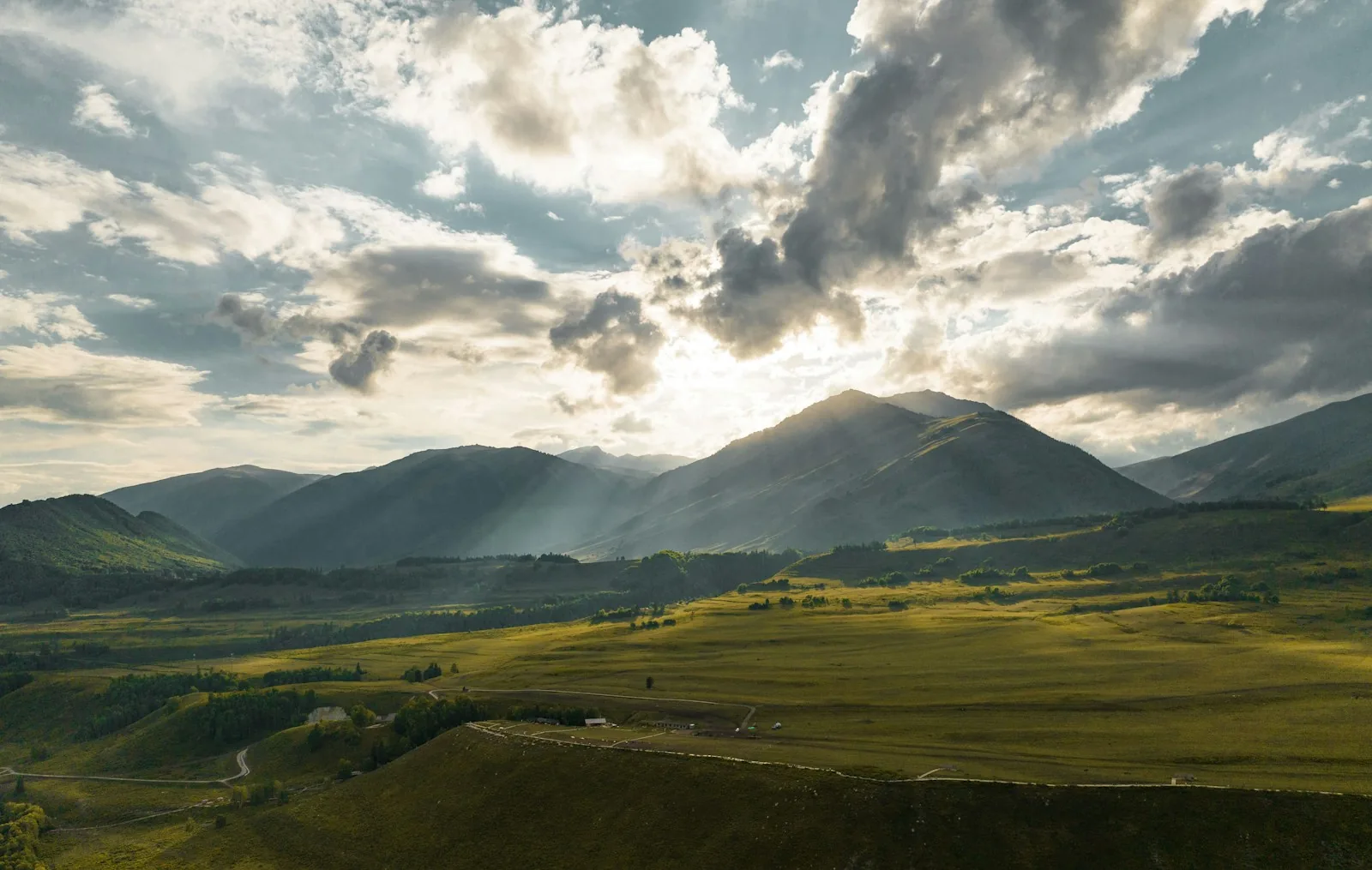
Input image split into a patch gridpatch 0,0patch 0,1patch 0,2patch 0,3patch 0,4patch 0,5patch 0,6patch 0,7patch 0,8patch 0,9patch 0,10patch 0,11patch 0,12patch 0,13patch 0,14patch 0,15patch 1,0patch 1,1patch 1,2patch 1,3patch 1,4patch 1,5patch 1,6patch 1,7patch 1,8patch 1,9patch 1,10patch 1,11patch 1,12patch 1,13patch 1,14patch 1,15patch 2,0patch 2,1patch 2,2patch 2,3patch 2,4patch 2,5patch 2,6patch 2,7patch 2,8patch 2,9patch 2,10patch 2,11patch 2,12patch 2,13patch 2,14patch 2,15patch 3,0patch 3,1patch 3,2patch 3,3patch 3,4patch 3,5patch 3,6patch 3,7patch 3,8patch 3,9patch 3,10patch 3,11patch 3,12patch 3,13patch 3,14patch 3,15patch 4,0patch 4,1patch 4,2patch 4,3patch 4,4patch 4,5patch 4,6patch 4,7patch 4,8patch 4,9patch 4,10patch 4,11patch 4,12patch 4,13patch 4,14patch 4,15patch 5,0patch 5,1patch 5,2patch 5,3patch 5,4patch 5,5patch 5,6patch 5,7patch 5,8patch 5,9patch 5,10patch 5,11patch 5,12patch 5,13patch 5,14patch 5,15patch 6,0patch 6,1patch 6,2patch 6,3patch 6,4patch 6,5patch 6,6patch 6,7patch 6,8patch 6,9patch 6,10patch 6,11patch 6,12patch 6,13patch 6,14patch 6,15patch 7,0patch 7,1patch 7,2patch 7,3patch 7,4patch 7,5patch 7,6patch 7,7patch 7,8patch 7,9patch 7,10patch 7,11patch 7,12patch 7,13patch 7,14patch 7,15patch 8,0patch 8,1patch 8,2patch 8,3patch 8,4patch 8,5patch 8,6patch 8,7patch 8,8patch 8,9patch 8,10patch 8,11patch 8,12patch 8,13patch 8,14patch 8,15patch 9,0patch 9,1patch 9,2patch 9,3patch 9,4patch 9,5patch 9,6patch 9,7patch 9,8patch 9,9patch 9,10patch 9,11patch 9,12patch 9,13patch 9,14patch 9,15patch 10,0patch 10,1patch 10,2patch 10,3patch 10,4patch 10,5patch 10,6patch 10,7patch 10,8patch 10,9patch 10,10patch 10,11patch 10,12patch 10,13patch 10,14patch 10,15patch 11,0patch 11,1patch 11,2patch 11,3patch 11,4patch 11,5patch 11,6patch 11,7patch 11,8patch 11,9patch 11,10patch 11,11patch 11,12patch 11,13patch 11,14patch 11,15patch 12,0patch 12,1patch 12,2patch 12,3patch 12,4patch 12,5patch 12,6patch 12,7patch 12,8patch 12,9patch 12,10patch 12,11patch 12,12patch 12,13patch 12,14patch 12,15patch 13,0patch 13,1patch 13,2patch 13,3patch 13,4patch 13,5patch 13,6patch 13,7patch 13,8patch 13,9patch 13,10patch 13,11patch 13,12patch 13,13patch 13,14patch 13,15patch 14,0patch 14,1patch 14,2patch 14,3patch 14,4patch 14,5patch 14,6patch 14,7patch 14,8patch 14,9patch 14,10patch 14,11patch 14,12patch 14,13patch 14,14patch 14,15patch 15,0patch 15,1patch 15,2patch 15,3patch 15,4patch 15,5patch 15,6patch 15,7patch 15,8patch 15,9patch 15,10patch 15,11patch 15,12patch 15,13patch 15,14patch 15,1516×16 patches · 256 nodesInput image is resized to 256 × 256

Selected patch (8, 8) · node #136Click the grid to select another patch

Spatial
8 edges · 1,860 in graph8 edges
Long-range
4 new edges · 1,796 in graph4 new edges
Semantic
top-4 computing

Computing node features…

The Manhattan-2 set also contains the four diagonals; since those are already spatial edges they are not drawn again here (4 duplicate edges).

Input
256 × 256 px
Patch size
16 × 16 px
Node count
256
Node feature
3,840 values
Input
256 × 256 px
Patch size
16 × 16 px
Node count
256
Node feature
3,840 values

The image is split into 16×16 patches and every patch becomes a node — 256 nodes in total. The square below is the real grid itself: the edges leaving the selected patch are computed with the model's own rules, and the semantic edges are derived from that image's own features. Click the grid to select another patch.

EDGE FORMATION

Three edge types are built together

  • Spatial8-way neighbourhood

    Every interior node connects to the eight patches around it. Border nodes have five neighbours and corner nodes three.

  • Long-rangeδ = 2

    Patches at Manhattan distance 2 are added so the model is not bound to its immediate surroundings alone.

  • SemanticTop-K = 4

    L2-normalised node features are compared with cosine similarity, and the four most similar distant patches are connected.

The Manhattan-2 set also contains the four diagonals; since those are already spatial edges they are not drawn again here (4 duplicate edges).

Comparison with baseline models across five feature domainsDomain-level comparison

Each panel shows one feature domain. The baseline models were trained on that domain alone; PaGAF-Net uses all five together.PaGAF-Net against baseline models across five feature domains. Each baseline was trained on that domain alone; PaGAF-Net uses all five together.

Every panel was evaluated on the union of the same two public datasets, covering images from 27 different generators. The most prominent generators of each dataset are listed below.

Real & Fake (AI)22 generators
  • Stable Diffusion
  • Latent Diffusion
  • StyleGAN 2
  • StyleGAN 3
  • BigGAN
  • Taming Transformer
  • StarGAN
  • DDPM
  • +14 more generators
275,520samples
GenImage5 generators
  • Midjourney
  • ADM
  • Glide
  • VQDM
  • Wukong
123,630samples

Total27 generators · 399,150 samples

0.60.70.80.91.0Acc.Prec.Rec.F1AUC
RGB Domain
0.60.70.80.91.0Acc.Prec.Rec.F1AUC
Gradient Domain
0.60.70.80.91.0Acc.Prec.Rec.F1AUC
Frequency Domain
0.60.70.80.91.0Acc.Prec.Rec.F1AUC
Residual Domain
0.60.70.80.91.0Acc.Prec.Rec.F1AUC
Correlation Domain
Models

Click a model to hide it.

Axes are drawn over the 0.5 – 1.0 range. The baseline models were trained on that panel's domain alone; because PaGAF-Net uses all five domains together it has a single result, repeated as the same reference line in every panel.Axes span 0.5 – 1.0. PaGAF-Net uses all five domains together, so it is the same reference line in every panel.

Researchers

Carried out under TÜBİTAK 2209-B, this study is developed jointly by a principal investigator and a researcher.The team developing the project under TÜBİTAK 2209-B.

Advisors

The project is guided by one academic and one industry advisor.Guiding the project from academia and industry.